
Audio Joiner
Merge multiple audio files into one continuous track.
About Audio Joiner
Combine multiple audio tracks into a single, seamless file without uploading anything to the cloud. Our audio joiner is perfect for creating continuous mixes, combining spoken-word segments, or merging split music tracks.
How to Use
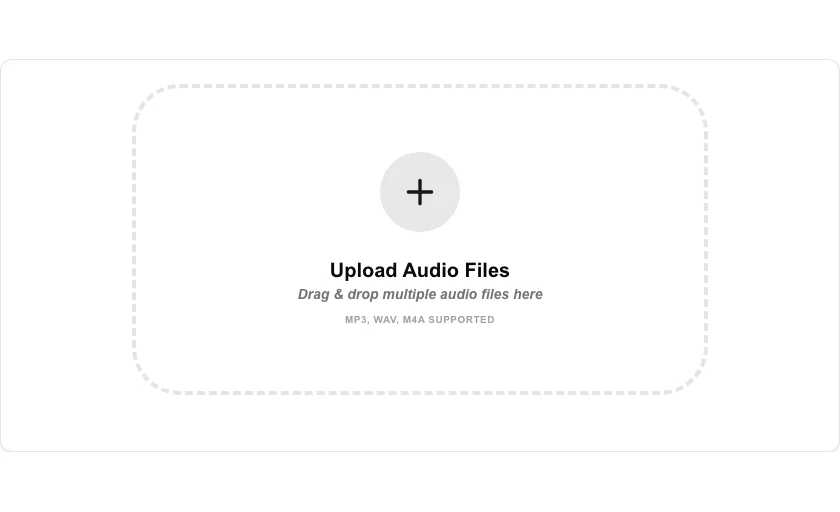
- Upload all the audio files you want to join together.
- Arrange them in the desired order (or use the delete icon to remove any).
- Click 'Join Audio Files' to begin the merging process in your browser.
- Download your new unified audio file once processing is complete.
Common Use Cases
- Creating a single file for a podcast episode from multiple interview segments.
- Merging individual song parts or demos into a continuous long-play track.
- Combining recorded voice memos into a structured audio journal.
Technical Details
Uses a 'concat' demuxer or re-encoding via FFmpeg.wasm to ensure smooth transitions between files. Handled entirely on the client-side for maximum speed and privacy.
Frequently Asked Questions
- Can I join different formats?
- Yes, our engine can merge different formats (like MP3 and WAV) by transcoding them into a single output stream.
- Is there a limit to how many files?
- You can add as many as your browser's memory can handle. For very large projects, we recommend merging in smaller batches.
- Can I change the order of the audio files before joining?
- Yes. You can drag and reorder the uploaded files in the list before merging so they play back in exactly the sequence you want.
- Will there be a gap or click between the joined tracks?
- The tool concatenates the files back-to-back with no gap by default. If you hear a click at a join point, it is usually caused by the audio not ending and starting at zero amplitude — try trimming the clips slightly with Audio Trimmer before joining.
- What output format does Audio Joiner produce?
- The merged file is exported as an MP3 (or WAV, depending on the tool settings). If your input files are in different formats, they are re-encoded to a single consistent output format during the join.
- Does the Audio Joiner work on mobile devices?
- Yes, the Audio Joiner runs in any modern browser including Safari on iPhone and iPad and Chrome on Android. Because all processing uses FFmpeg WebAssembly inside the browser, no files are uploaded. Note that joining very large audio files on mobile devices may be slow or may be terminated by the OS if the device runs low on memory. For files longer than a few hundred megabytes, a desktop browser is recommended for the most reliable experience.
Local processing
Our local file, text and chart tools process content on your device using JavaScript, browser APIs and, where needed, WebAssembly. Our usage events do not include filenames, file contents, input text, chart values, raw errors, emails or license references. Network lookup tools (such as DNS, WHOIS, IP and speed tests) contact external services for their stated purpose. Loading the website, fonts, libraries and models also makes network requests. WebAssembly itself does not prevent network access.