
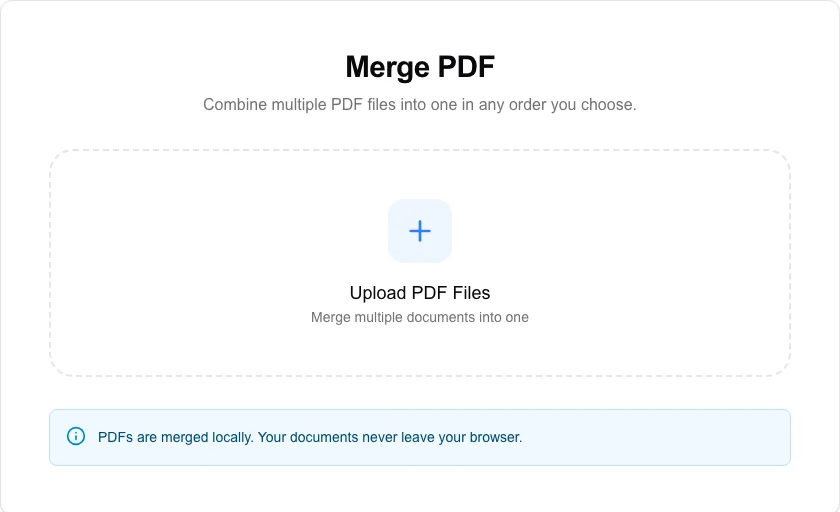
Merge PDF
Combine multiple PDF files into one in any order you choose.
About Merge PDF
The most secure way to combine PDF files. Our merge tool runs entirely in your browser, meaning your private documents are never uploaded to a server. Simply upload, reorder, and merge into a single professional PDF.
How to Use
- Upload all the PDF files you want to combine.
- Drag and drop the files into your preferred final order.
- Click 'Merge PDFs' to begin the local assembly process.
- Download your unified document once the merging is complete.
Common Use Cases
- Combining multiple invoices or receipts into a single monthly expense report.
- Merging separate chapters or sections into a complete ebook or manual.
- Joining a cover letter with a resume and portfolio into a single job application file.
Technical Details
Leverages pdf-lib to extract pages from source documents and append them to a new PDF container. This memory-efficient process ensures no data loss and maximum privacy.
Frequently Asked Questions
- Is there a limit on file count?
- You can merge as many files as your browser's memory allows. For very large documents, ensure you have sufficient RAM available.
- Does it work with encrypted PDFs?
- Encrypted or password-protected PDFs must be unlocked before they can be merged by our local engine.
- Can I reorder the PDFs before merging?
- Yes. After adding your files, drag and drop them into the order you want. The merged PDF will follow that sequence exactly, with pages from each file appearing consecutively.
- Does merging preserve hyperlinks and bookmarks inside each PDF?
- Internal page links and bookmarks within each source PDF are generally preserved by pdf-lib during the merge. However, cross-document links that pointed to other PDF files will no longer resolve after merging.
- Is there a file size limit for merging?
- There is no hard server-side limit because processing happens entirely in your browser. Very large PDFs (hundreds of megabytes) may be slow depending on your device's available RAM. For best performance, split very large documents before merging.
- Does merging PDFs preserve the original page quality and resolution?
- Yes. The PDF Merge tool uses PDF-lib to combine files, which copies the page content streams directly without re-encoding or re-compressing any images or fonts. Page quality, image resolution, embedded fonts, vector graphics, and hyperlinks are preserved exactly as they were in each source PDF. Merging does not reduce quality in any way. The only change to the file is that the pages are combined into a single document structure with a unified cross-reference table.
Local processing
Our local file, text and chart tools process content on your device using JavaScript, browser APIs and, where needed, WebAssembly. Our usage events do not include filenames, file contents, input text, chart values, raw errors, emails or license references. Network lookup tools (such as DNS, WHOIS, IP and speed tests) contact external services for their stated purpose. Loading the website, fonts, libraries and models also makes network requests. WebAssembly itself does not prevent network access.