
GIF to MP4 Converter
Fast, high-quality GIF to MP4 conversion in your browser.
About GIF to MP4 Converter
Convert your animated GIFs into efficient MP4 video files. MP4s provide much better compression and smaller file sizes than GIFs while maintaining smooth animation, making them ideal for modern websites and social sharing.
How to Use
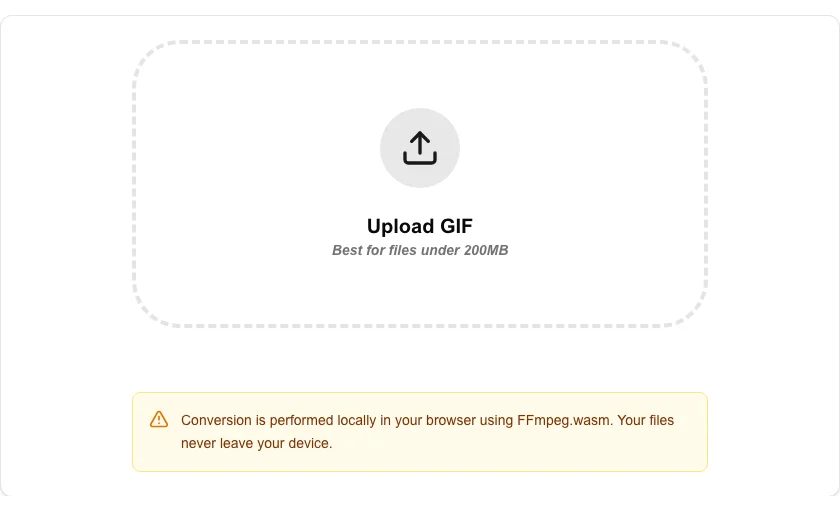
- Upload or drag and drop your GIF file into the converter.
- Click 'Convert to MP4' to begin the browser-side transcoding process.
- Our WASM-powered engine will process your file locally.
- Download your new MP4 video once the conversion is complete.
Common Use Cases
- Reducing website load times by replacing large GIFs with optimized MP4 videos.
- Uploading animations to social media platforms that have file size limits or prefer video formats.
- Converting memes and reaction shots into videos for easier sharing on mobile apps.
Technical Details
Powered by FFmpeg.wasm, allowing for professional-grade video encoding directly in your browser. This hardware-accelerated process ensures privacy as no file data is ever transmitted.
Frequently Asked Questions
- Is there a file size limit?
- We recommend files under 200MB for the best stability and speed within the browser environment.
- Does it keep transparency?
- MP4 does not natively support transparency like GIF does. Transparent areas will typically be rendered as black or a specified background color.
- Why should I convert a GIF to MP4?
- MP4 videos are dramatically smaller than equivalent GIFs — often 5–20× smaller — and they support audio. Converting saves bandwidth and storage, and MP4 is supported everywhere GIF is, including social media and messaging apps.
- Will the converted MP4 loop like the original GIF?
- The MP4 file itself does not loop by default, but most platforms (Twitter, Slack, Discord, etc.) automatically loop short MP4 clips the same way they loop GIFs.
- Does the conversion preserve the original GIF frame rate?
- Yes. FFmpeg reads each frame's delay from the GIF and reconstructs the correct frame rate in the MP4 output, so playback speed matches the original animation.
- What is the maximum GIF file size I can convert?
- The GIF to MP4 converter processes files entirely in your browser using FFmpeg WebAssembly, so the practical limit is determined by your device's available memory. Most devices handle GIFs up to 50–100 MB without issues. Very large animated GIFs (200 MB+) or those with thousands of frames may exhaust browser memory on lower-end devices. If the conversion fails or the browser tab crashes, try closing other tabs to free memory, or use a desktop application like FFmpeg or HandBrake for very large files.
Local processing
Our local file, text and chart tools process content on your device using JavaScript, browser APIs and, where needed, WebAssembly. Our usage events do not include filenames, file contents, input text, chart values, raw errors, emails or license references. Network lookup tools (such as DNS, WHOIS, IP and speed tests) contact external services for their stated purpose. Loading the website, fonts, libraries and models also makes network requests. WebAssembly itself does not prevent network access.