
Mute Video
Quickly remove audio tracks from your video files.
About Mute Video
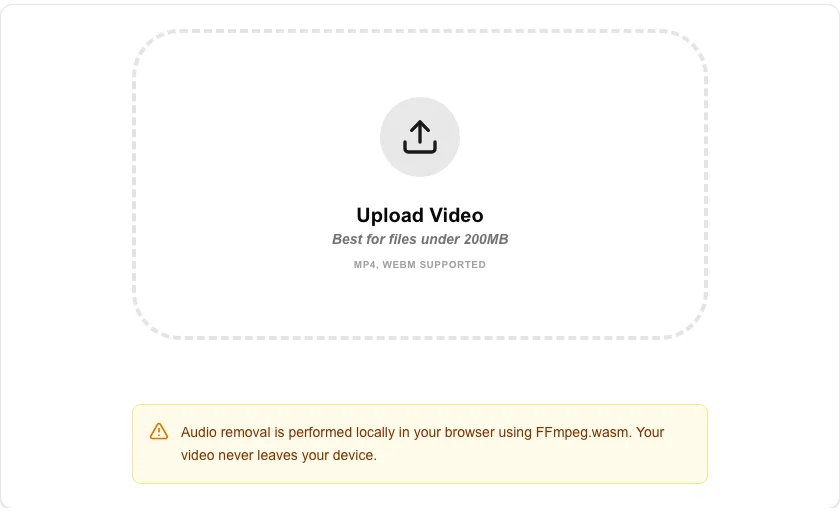
Perfectly silent your videos with our ultra-private mute tool. Whether you need to remove background noise, confidential conversations, or simply want a silent clip for a presentation, our tool strips all audio tracks while preserving video quality.
How to Use
- Upload your video file (MP4, MOV, WebM, etc.).
- Click 'Remove Audio' to start the silencing process.
- The tool will re-wrap your video without the audio stream locally.
- Download your muted video once the 'Download' button appears.
Common Use Cases
- Removing unwanted background noise or wind from outdoor recordings.
- Stripping sensitive audio from screen recordings or private videos before sharing.
- Creating silent loops for website backgrounds or digital signage.
Technical Details
Uses stream-copying techniques via FFmpeg.wasm to discard audio packets without re-encoding the video stream, ensuring zero quality loss and blazing-fast processing.
Frequently Asked Questions
- Does it reduce video quality?
- No. We strip the audio track without touching the video data, so your original video sharpness remains exactly the same.
- Can I unmute later?
- Once the audio is removed and downloaded, it is permanently gone from that specific file. Keep a backup of your original if you might need the sound later.
- How do I remove audio from an MP4 video?
- Upload your MP4 file, click Mute, and download the result. The audio stream is dropped without re-encoding the video, so there is zero video quality loss and processing is near-instant.
- Does removing the audio track reduce the video file size?
- Yes. Audio typically accounts for a small fraction of a video file (1–10%), so the muted file will be slightly smaller than the original.
- Can I add different audio back to the muted video?
- This tool only removes audio. To replace the audio track, mute the video here, then use a video editor or the Audio Joiner workflow to merge your new audio with the silent video file.
- What video formats does the Mute Video tool support?
- The Mute Video tool accepts MP4, MOV, WebM, AVI, MKV, and most other common video formats via FFmpeg WebAssembly. The output is always delivered as an MP4 (H.264 video, no audio track) for maximum browser and device compatibility. If your source is already H.264, the video stream is copied without re-encoding, making the process fast and preserving the original video quality exactly. If the source uses a different codec, it is re-encoded as H.264 with high quality settings.
Local processing
Our local file, text and chart tools process content on your device using JavaScript, browser APIs and, where needed, WebAssembly. Our usage events do not include filenames, file contents, input text, chart values, raw errors, emails or license references. Network lookup tools (such as DNS, WHOIS, IP and speed tests) contact external services for their stated purpose. Loading the website, fonts, libraries and models also makes network requests. WebAssembly itself does not prevent network access.