
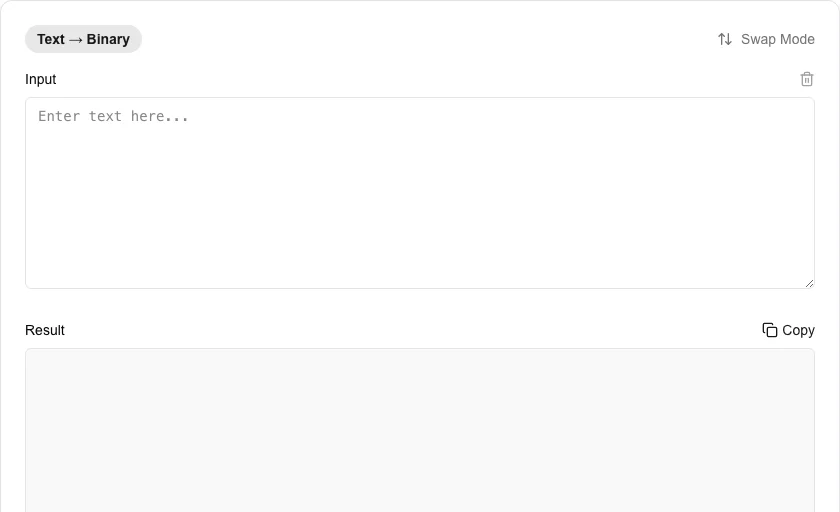
Binary <-> Text Converter
Convert text to binary and binary back to text.
About Binary <-> Text Converter
Convert between text and binary code instantly. Binary is the fundamental language of computers, representing data as 0s and 1s. Our tool helps you encode messages into binary or decode binary strings back into human-readable text for educational, technical, or creative purposes.
How to Use
- Choose your direction ('Text to Binary' or 'Binary to Text') using the toggle.
- Paste your input into the corresponding text area.
- The conversion happens in real-time as you type.
- Copy the binary or text result for use in your projects or communications.
Common Use Cases
- Learning how computers store and represent characters using ASCII and binary.
- Creating 'hidden' messages or puzzles in binary code.
- Debugging low-level data streams or network payloads during development.
Technical Details
Uses high-performance bit-shifting and standard character encoding (UTF-8/ASCII) to translate individual characters into 8-bit binary sequences.
Frequently Asked Questions
- What is binary code?
- Binary is a base-2 numbering system that uses only two symbols: 0 and 1, which represent the 'off' and 'on' states in digital electronics.
- Does it support emojis?
- Yes, our converter supports full UTF-8 encoding, allowing you to translate emojis and special characters into their binary representations.
- How does binary to text conversion work?
- Each group of 8 bits (one byte) maps to a number from 0–255. That number corresponds to a character in the ASCII or Unicode table. For example, 01000001 is 65 in decimal, which is the letter 'A'.
- What is the difference between binary, octal, and hexadecimal?
- All three are ways to represent numbers in different bases. Binary uses base 2 (digits 0–1), octal uses base 8 (digits 0–7), and hexadecimal uses base 16 (digits 0–9 and A–F). Computers use binary internally; hex is a compact human-readable shorthand for binary.
- Why would text be stored as binary?
- Computers store all data as binary at the hardware level. When you see binary in software contexts, it usually means raw bytes being displayed without text encoding applied — for example, inspecting memory dumps, network packets, or file headers.
- Does the Binary to Text tool support other bases like octal or hexadecimal?
- Yes. In addition to binary (base 2), the tool can convert text to and from octal (base 8), decimal (base 10), and hexadecimal (base 16) representations. Each character is converted to its Unicode/ASCII code point and then expressed in the chosen base. This is useful for developers working with low-level data, networking protocols, memory dumps, or encoding exercises. All conversions run entirely in your browser — no text is sent to any server.
Local processing
Our local file, text and chart tools process content on your device using JavaScript, browser APIs and, where needed, WebAssembly. Our usage events do not include filenames, file contents, input text, chart values, raw errors, emails or license references. Network lookup tools (such as DNS, WHOIS, IP and speed tests) contact external services for their stated purpose. Loading the website, fonts, libraries and models also makes network requests. WebAssembly itself does not prevent network access.