
Stopwatch & Timer
Simple browser-based stopwatch and countdown timer.
About Stopwatch & Timer
Track time with precision using our simple, distraction-free stopwatch. Whether you're timing a workout, a cooking recipe, or a coding task, this tool provides accurate splits and lap tracking for all your productivity needs.
How to Use
- Click 'Start' to begin the clock.
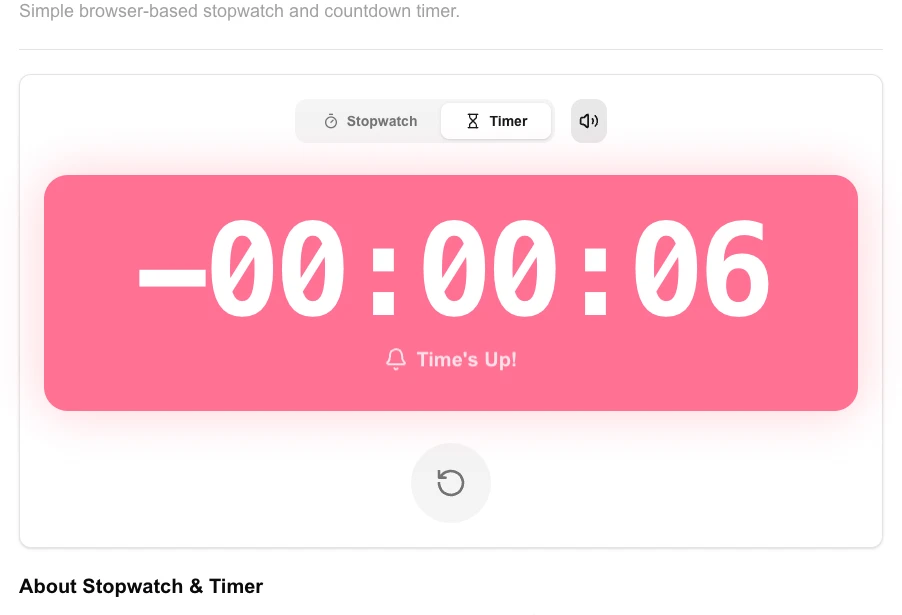
- Use the 'Timer' tab to set a specific countdown duration.
- Toggle the alarm sounds or mute them using the bell icon.
- Click 'Reset' to clear the current session and return to zero.
Common Use Cases
- Timing HIIT workouts, rest periods, or sports drills.
- Monitoring the duration of meetings, presentations, or study sessions.
- Benchmarking software execution times or user interaction flows during testing.
Technical Details
Uses the high-resolution performance.now() API for microsecond-precision timing, ensuring accurate tracking even if the browser tab loses focus.
Frequently Asked Questions
- Does it work offline?
- Yes, once the page is loaded, the stopwatch runs entirely on your device and does not require an active internet connection.
- Can I save my laps?
- Currently, laps are stored in the current session. You can copy them to your clipboard before refreshing the page.
- Can I record lap times?
- Yes. Press the Lap button while the stopwatch is running to record a split. All lap times are listed below the main display for easy comparison.
- Does the countdown timer alert me when it reaches zero?
- Yes. When the countdown reaches zero the tool plays an audible alert and displays a visual notification so you don't miss it.
- Will it keep running if I switch browser tabs?
- Yes. The timer continues running in the background. Some browsers may throttle background tabs slightly, but the elapsed time is corrected when you return to the tab.
- Can I use keyboard shortcuts to start, stop, and record laps?
- Yes. The Stopwatch and Timer support keyboard shortcuts for faster control: Space bar or Enter starts and stops the stopwatch, L records a lap time, and R resets the timer. The countdown timer uses the same shortcuts. Keyboard control is useful when you cannot click the screen — for example when recording a video or timing a physical activity where your hands are occupied. Shortcuts work as long as the browser tab is in focus; background operation continues even if you switch to another tab.
Local processing
Our local file, text and chart tools process content on your device using JavaScript, browser APIs and, where needed, WebAssembly. Our usage events do not include filenames, file contents, input text, chart values, raw errors, emails or license references. Network lookup tools (such as DNS, WHOIS, IP and speed tests) contact external services for their stated purpose. Loading the website, fonts, libraries and models also makes network requests. WebAssembly itself does not prevent network access.