
Base64 Image Decoder
Convert Base64 strings to images and download them instantly.
About Base64 Image Decoder
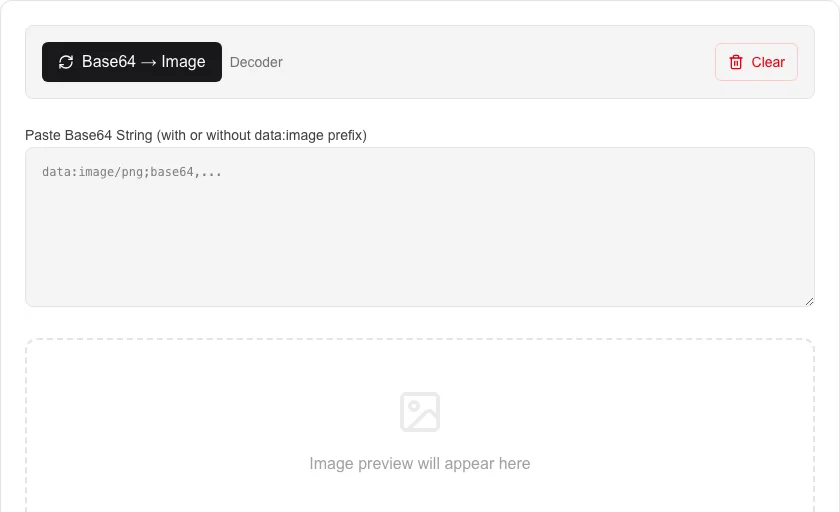
Instantly convert between images and Base64 Data URI strings. This utility handles both encoding local image files and decoding Base64 strings back into viewable and downloadable images.
How to Use
- Choose 'Image to Base64' or 'Base64 to Image' mode.
- For encoding, upload or drag and drop an image file.
- For decoding, paste a Base64 string into the text area.
- Download the decoded image or copy the generated Base64 string.
Common Use Cases
- Converting small logos or icons into CSS Data URIs.
- Previewing images from Base64-encoded database records.
- Generating image strings for use in email templates.
Technical Details
Employs the browser's Canvas API and FileReader for high-performance, on-device image processing without server uploads.
Frequently Asked Questions
- Does my image leave my computer?
- No. The entire conversion process happens locally in your browser using JavaScript, ensuring complete privacy.
- What image formats are supported?
- Most standard web formats including PNG, JPG, and WEBP can be encoded and decoded.
- How do I decode a Base64 image string?
- Paste the Base64 string (with or without the data:image prefix) into the input box and click Decode. The image previews instantly in your browser and can be downloaded with one click.
- What is a Base64 Data URI?
- A Data URI is a Base64-encoded version of a file embedded directly in HTML or CSS as a string. It lets you include images without a separate network request, which is handy for small icons and email templates.
- Can I use this to decode images stored in a database?
- Yes. Many databases store image blobs as Base64 strings. Paste that string here to verify the image looks correct before using it in your application — all processing stays in your browser.
- Can I convert a Base64 image back to a file I can save and edit?
- Yes. Paste a Base64 Data URI string (starting with data:image/...) or a raw Base64 string with the image format prefix, and the tool decodes it into a viewable image. You can then click the download button to save it as a PNG, JPEG, or GIF file on your device. This is useful for extracting images embedded in HTML email templates, database blobs, JSON API payloads, or source code. All decoding happens in your browser — no data is sent to any server.
Local processing
Our local file, text and chart tools process content on your device using JavaScript, browser APIs and, where needed, WebAssembly. Our usage events do not include filenames, file contents, input text, chart values, raw errors, emails or license references. Network lookup tools (such as DNS, WHOIS, IP and speed tests) contact external services for their stated purpose. Loading the website, fonts, libraries and models also makes network requests. WebAssembly itself does not prevent network access.