
YAML Validator
Validate YAML syntax and check for errors.
About YAML Validator
Validate your YAML syntax instantly to prevent errors in your configuration and deployment files. Our validator identifies common issues like improper indentation, missing colons, and syntax errors, helping you ensure your YAML is clean and deployable.
How to Use
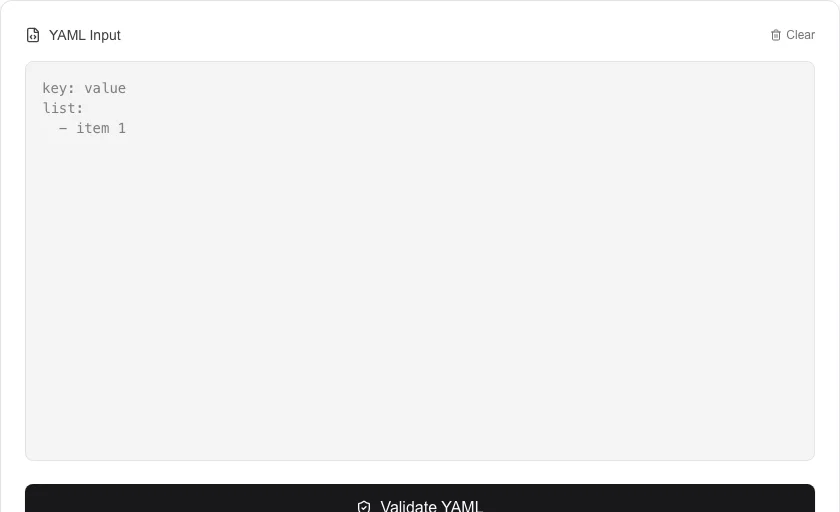
- Enter or paste your YAML content into the input field.
- Click 'Validate YAML' to start the syntax check.
- Look for the 'Valid YAML!' message to confirm your code is correct.
- If errors are found, use the line-specific feedback to fix your syntax issues.
Common Use Cases
- Pre-validating Kubernetes or Docker configuration files before deployment.
- Checking the syntax of CI/CD configuration files (e.g., GitHub Actions, GitLab CI).
- Debugging complex, nested YAML structures to find subtle indentation errors.
Technical Details
Uses the js-yaml library to parse the input. It captures parsing exceptions to provide detailed error reports, including line numbers and context.
Frequently Asked Questions
- Why is indentation so important in YAML?
- In YAML, indentation (using spaces, not tabs) defines the structure of the data. Incorrect indentation is the most common cause of invalid YAML.
- Is there a size limit for validation?
- The validator can handle very large files, although extremely complex nested structures may take a few moments to process.
- How do I check if my YAML file is valid?
- Paste your YAML into the editor and the tool validates it in real time. Valid YAML shows a success message; invalid YAML highlights the offending line and displays an error message explaining the problem, such as unexpected indentation or invalid characters.
- Why does my YAML fail validation even though it looks correct?
- YAML is whitespace-sensitive. Common causes of hidden errors include: tabs used instead of spaces (YAML requires spaces), inconsistent indentation levels, colons inside unquoted values, and duplicate keys. The validator pinpoints the exact line so you can fix it quickly.
- What YAML version does this validator support?
- The validator uses the js-yaml library, which implements YAML 1.2 — the current standard. YAML 1.2 is compatible with JSON (all valid JSON is valid YAML 1.2) and resolves several ambiguities present in older YAML 1.1 parsers.
- Can the YAML Validator detect duplicate keys in the same mapping?
- Yes. The YAML validator uses a strict parser that reports duplicate keys as a validation warning. Duplicate keys are technically permitted by the YAML specification but strongly discouraged because different parsers resolve them differently — some use the first value, others use the last. Having duplicate keys in a config file is almost always a mistake. The validator flags duplicates clearly so you can find and remove them before deploying the config to production, which prevents unpredictable behavior across different YAML libraries.
Local processing
Our local file, text and chart tools process content on your device using JavaScript, browser APIs and, where needed, WebAssembly. Our usage events do not include filenames, file contents, input text, chart values, raw errors, emails or license references. Network lookup tools (such as DNS, WHOIS, IP and speed tests) contact external services for their stated purpose. Loading the website, fonts, libraries and models also makes network requests. WebAssembly itself does not prevent network access.