
YAML <-> JSON Converter
Convert between YAML and JSON formats instantly.
About YAML <-> JSON Converter
Seamlessly convert between YAML and JSON with our high-precision converter. Whether you are working with Kubernetes manifests, CI/CD pipelines, or REST APIs, this tool ensures your data structures are preserved and correctly formatted across both industry-standard languages.
How to Use
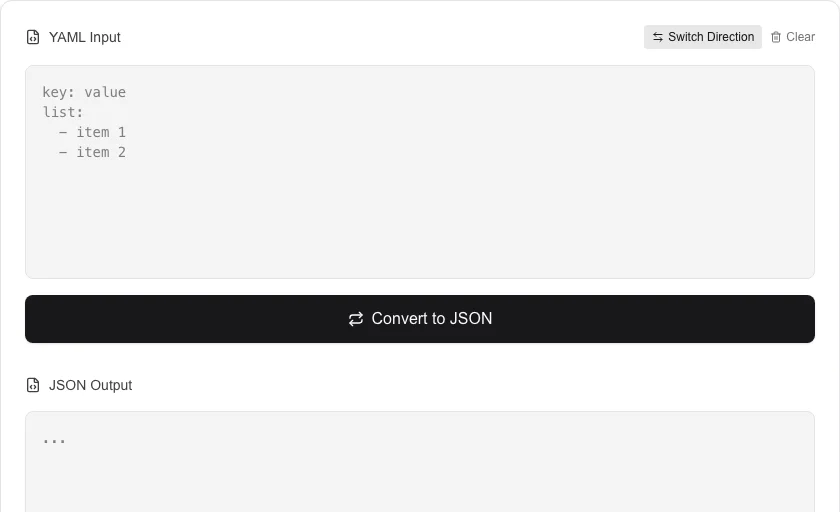
- Paste your YAML or JSON data into the corresponding input field.
- Click the conversion button ('To JSON' or 'To YAML') depending on your target format.
- Instantly view the converted result with clean indentation and syntax.
- Use the 'Switch Direction' button to easily toggle between the two input formats.
Common Use Cases
- Translating complex cloud configuration files (like Docker Compose) into web-friendly JSON.
- Previewing how a JSON response will look in a more human-readable YAML format.
- Quickly refactoring configuration data for different software environments and scripts.
Technical Details
Uses standard YAML and JSON parsing libraries to decode the input into an abstract data structure before re-encoding it into the target format. 100% client-side.
Frequently Asked Questions
- Does it preserve comments during YAML to JSON conversion?
- No, JSON does not support comments, so any YAML comments will be stripped out during the conversion to JSON.
- Can it handle multi-document YAML files?
- Currently, the tool is optimized for single-document YAML files commonly used in application settings and API payloads.
- How do I convert a YAML config file to JSON?
- Paste your YAML into the left panel and select 'YAML → JSON'. The tool parses the YAML, validates the syntax, and outputs formatted JSON on the right. You can then copy or download the result.
- Can I convert a JSON API response back to YAML format?
- Yes. Select 'JSON → YAML', paste your JSON, and the tool converts it to clean, indented YAML. This is useful when you need to write Kubernetes manifests, Docker Compose files, or CI/CD configs from existing JSON data.
- Does YAML support data types that JSON doesn't?
- Yes. YAML natively supports dates, multi-line strings (block scalars), comments, and multiple documents in one file. When converting YAML to JSON, dates are converted to strings and comments are dropped (JSON has no comment syntax). Multi-document YAML files are converted to a JSON array.
- Can I convert a YAML file with anchors and aliases to JSON?
- Yes. The YAML to JSON converter handles YAML anchors (&anchor) and aliases (*alias) correctly — it resolves them during parsing so the output JSON contains the fully expanded values. YAML anchors and aliases are a YAML-specific feature and have no direct equivalent in JSON, so they are always expanded on conversion. Merge keys (<<: *alias) used for object merging are also resolved. If your YAML uses complex anchor structures, verify the output JSON to confirm all references were expanded as expected.
Local processing
Our local file, text and chart tools process content on your device using JavaScript, browser APIs and, where needed, WebAssembly. Our usage events do not include filenames, file contents, input text, chart values, raw errors, emails or license references. Network lookup tools (such as DNS, WHOIS, IP and speed tests) contact external services for their stated purpose. Loading the website, fonts, libraries and models also makes network requests. WebAssembly itself does not prevent network access.